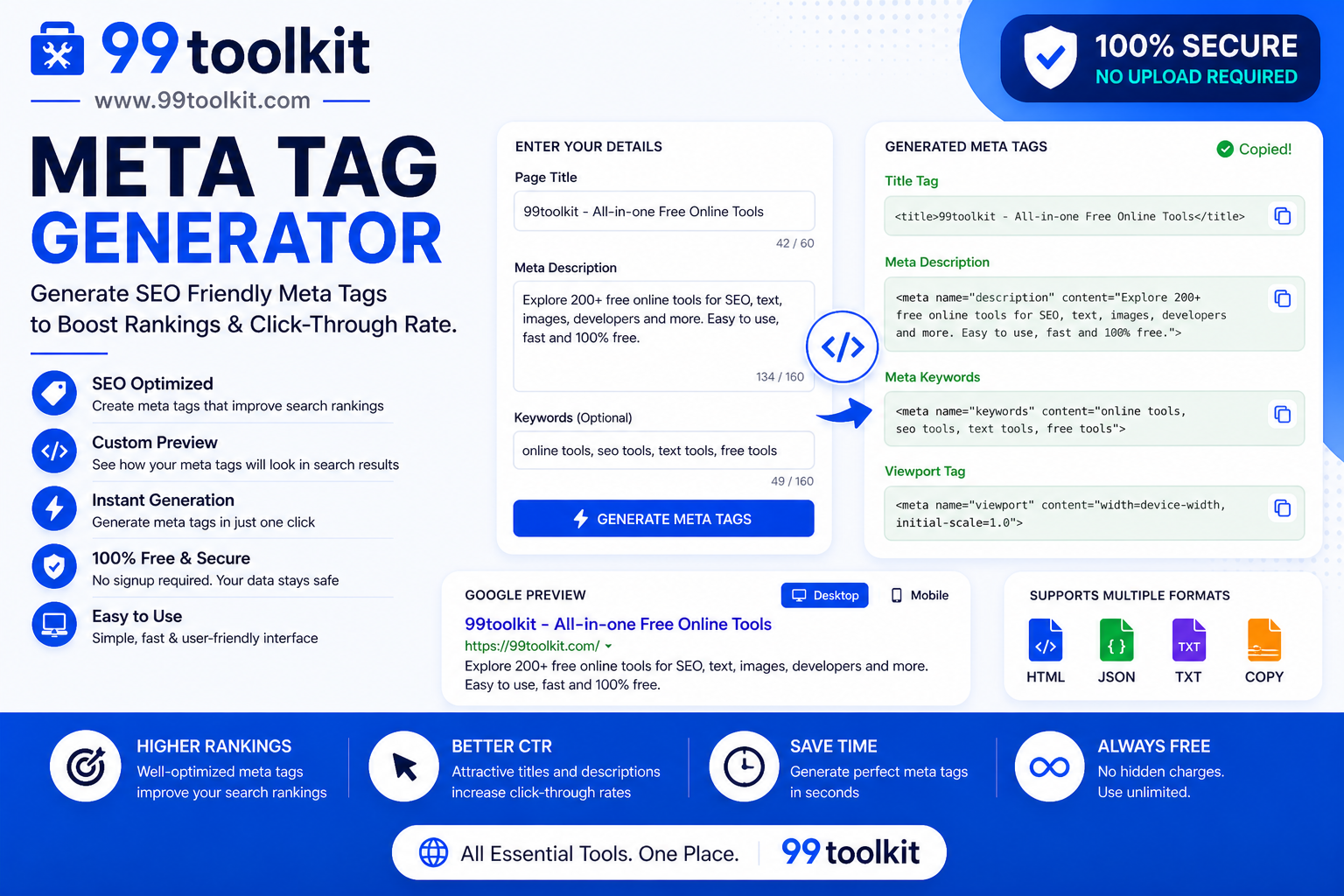
When you build a new webpage, you focus heavily on the text, the images, and the design. However, when a search engine bot (like Googlebot) visits your page, it doesn’t “see” the design. It reads the hidden code in the header of your website to understand exactly what your page is about. If this hidden code is missing, incorrectly formatted, or incomplete, Google will struggle to categorize your site, resulting in terrible search rankings. The invisible code that dictates your SEO fate is called Meta Tags. To write them perfectly without memorizing complex HTML, you need a Meta Tag Generator.
In this comprehensive guide, we will explore what meta tags are, why they are the absolute foundation of technical SEO, and how you can use the free generator on 99toolkit to instantly output perfect HTML for your website.
What is a Meta Tag Generator?
A Meta Tag Generator is an SEO utility that takes your plain-English webpage details (like your title, description, and keywords) and automatically formats them into flawless HTML code snippets that can be pasted directly into the <head> section of your website.
Writing meta tags manually is tedious and prone to syntax errors. Forgetting a single quotation mark can break the tag, rendering it invisible to search engines. A generator removes human error. You simply fill out a user-friendly form, and the tool generates the exact, standards-compliant <meta name=”…” content=”…”> strings required by Google, Bing, and social media platforms.
Key Features of the 99toolkit Meta Tag Generator
Our tool is designed for webmasters who want perfect technical SEO in seconds. Here is why it is essential:
- Comprehensive Tag Coverage: Generates the critical Title tag, Meta Description, Author tags, and Viewport tags for mobile responsiveness.
- Robots Directives: Easily generate the crucial <meta name=”robots”> tag to tell search engines exactly whether they are allowed to index your page or follow its links.
- Live Character Counting: The tool visually warns you if your title or description is too long, helping you avoid ugly truncation in Google’s search results.
- Instant HTML Output: Watch the clean, formatted HTML code generate in real-time as you type, ready to be copied with a single click.
- No Coding Required: You don’t need to know a single line of HTML to use this tool; just fill in the blanks.
How to Use the Meta Tag Generator (Step-by-Step)
Optimizing your website’s header takes less than a minute. Follow these steps:
- Site Title: Enter the primary headline for your page (aim for 50-60 characters).
- Site Description: Write a compelling 1-to-2 sentence summary of the page’s content (aim for 150-160 characters).
- Keywords (Optional): Enter a comma-separated list of target keywords. (Note: Google largely ignores this tag now, but some smaller directories still use it).
- Author/Language: Define who wrote the page and the primary language of the content (e.g., English).
- Search Engine Directives: Choose whether you want bots to “Index” (show in search results) and “Follow” (crawl the links on) your page.
- Copy the Code: Click the copy button and paste the entire block of code inside the <head> </head> section of your website’s HTML file.
Why Meta Tags are Crucial (The Benefits)
Meta tags are the bridge between your website and the algorithms that control internet traffic. Here is why they are vital:
- Directs Search Rankings: The Title tag is arguably the single most important on-page SEO factor. It tells Google exactly what the main topic of your page is.
- Increases Click-Through Rates (CTR): The Meta Description acts as your organic ad copy. A well-written description generated by our tool will convince users to click your link instead of a competitor’s.
- Controls Crawl Budget: By using the “NoIndex” robot tag, you can hide useless pages (like a “Thank You” page or a login portal) from Google, forcing the bot to spend its time crawling your highly valuable money pages.
Real-Life Use Cases
Who relies on a tag generator before publishing?
Freelance Web Developers: When handing a custom-coded HTML website over to a client, developers use the generator to quickly populate the header of every page with basic SEO data, ensuring the site is ready to rank on day one.
SEO Consultants: During a technical site audit, an SEO expert might find that a site is missing its viewport tags or has broken descriptions. They use the generator to quickly create the correct code to send to the development team for implementation.
Static Site Builders: Users building lightweight, static sites without a CMS (like WordPress) don’t have plugins like Yoast to do the work for them. They rely entirely on a generator to create their header code.
Tips for Best Results
Write metadata that algorithms love with these expert tips:
- Every Page Must Be Unique: Never generate one set of meta tags and copy-paste them across your entire website. Google will flag this as duplicate content. Every single page needs a unique Title and Description.
- Front-Load Keywords: Place your most important target keyword at the very beginning of your Title tag. Algorithms give slightly more weight to words that appear first.
- Always Allow “Follow”: Even if you choose to “NoIndex” a page to hide it from search results, you should almost always allow bots to “Follow” the links on that page so link equity continues to flow through your site.
Common Mistakes to Avoid
Avoid these critical SEO errors:
- Stuffing the Keywords Tag: Do not put 50 keywords into the Meta Keywords tag. Google officially stopped using this tag for ranking purposes over a decade ago because of spam. Focus all your effort on the Title and Description instead.
- Putting Meta Tags in the Body: Meta tags must ONLY be placed inside the <head> section of your HTML document. If you place them in the <body>, browsers will ignore them and your SEO efforts will be completely wasted.
Before you generate your tags, make sure you know what your Title and Description will actually look like in Google by using our Google SERP Preview. If you want to optimize how your page looks when shared on Facebook, you will also need to use our Open Graph Generator.
FAQs
1. Do meta tags guarantee a first-page ranking?
No. Perfect meta tags are a prerequisite for ranking, not a guarantee. You still need high-quality content, fast loading speeds, and backlinks to reach page one.
2. Does Google still use the Meta Keywords tag?
No. Google officially announced in 2009 that they no longer use the Meta Keywords tag for web ranking. However, some minor search engines and internal site search tools still reference it.
3. What does the “Viewport” meta tag do?
The Viewport tag (<meta name=”viewport” content=”width=device-width, initial-scale=1.0″>) tells mobile browsers to scale your website to fit the user’s phone screen. Without it, your site will look tiny and unreadable on mobile devices.
4. Where exactly do I paste the generated code?
Open your website’s HTML file and look near the very top for the <head> tag. Paste the generated code directly under <head> and before the closing </head> tag.
5. Is the 99toolkit Meta Tag Generator free?
Yes. You can generate perfect HTML header code for as many webpages as you need entirely for free.
Conclusion
Your website might have the best content in the world, but if search engines cannot understand it, no one will ever read it. Flawless meta tags are the absolute baseline of a successful SEO strategy.
Don’t leave your search rankings up to chance. Bookmark the free Meta Tag Generator on 99toolkit today, structure your hidden code perfectly, and give your website the foundation it needs to dominate the search results.